
Receipt app for Myanmar online sellers
Selling is your job.
Typing is Thura's.
Choose your products and customer, create a receipt, and reuse saved customer details next time.
Sign in with Google · No card · 20 free receipts a month
How it works in the real app
Three steps. Add a product once, then just pick it.
- 1
Add a product
Name and price — that is all it needs. Photos and sizes can come later.
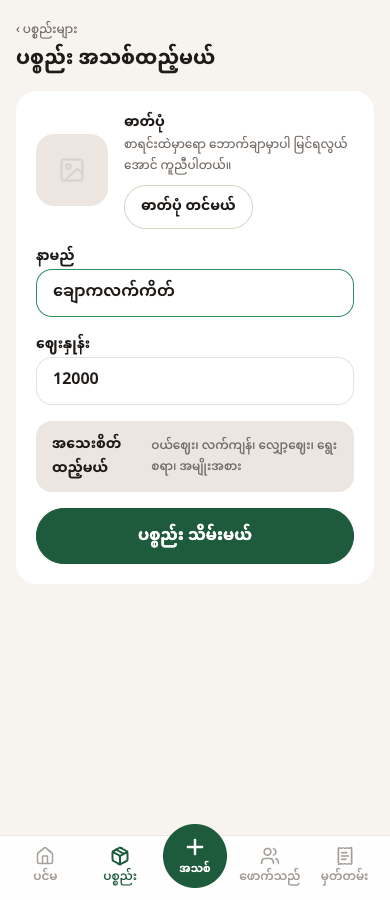
Product form · Chocolate cake, 12,000 Ks - 2
Make the receipt
Pick the products. Start typing a name and your saved customers appear — or enter a new one.
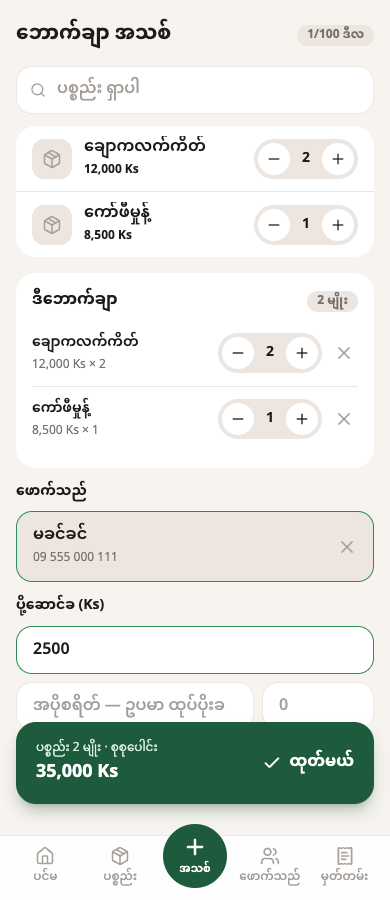
Same product; sample customer selected - 3
Share the receipt
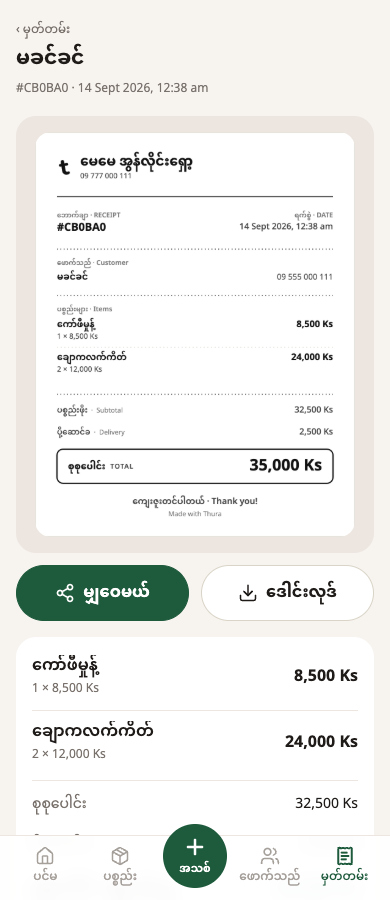
It comes out as an image. Share or download it, then send it in Messenger, Viber or Telegram.
The matching receipt, ready to share
What you get
Only what works today.
A receipt in seconds
One branded receipt after every sale, with your shop's name on it.
Customer book
Fill in a name on a receipt and save — the customer is in your book. Next time, start typing and pick them.
Profit on every receipt (Pro)
Enter your purchase costs once and see the profit on each receipt.
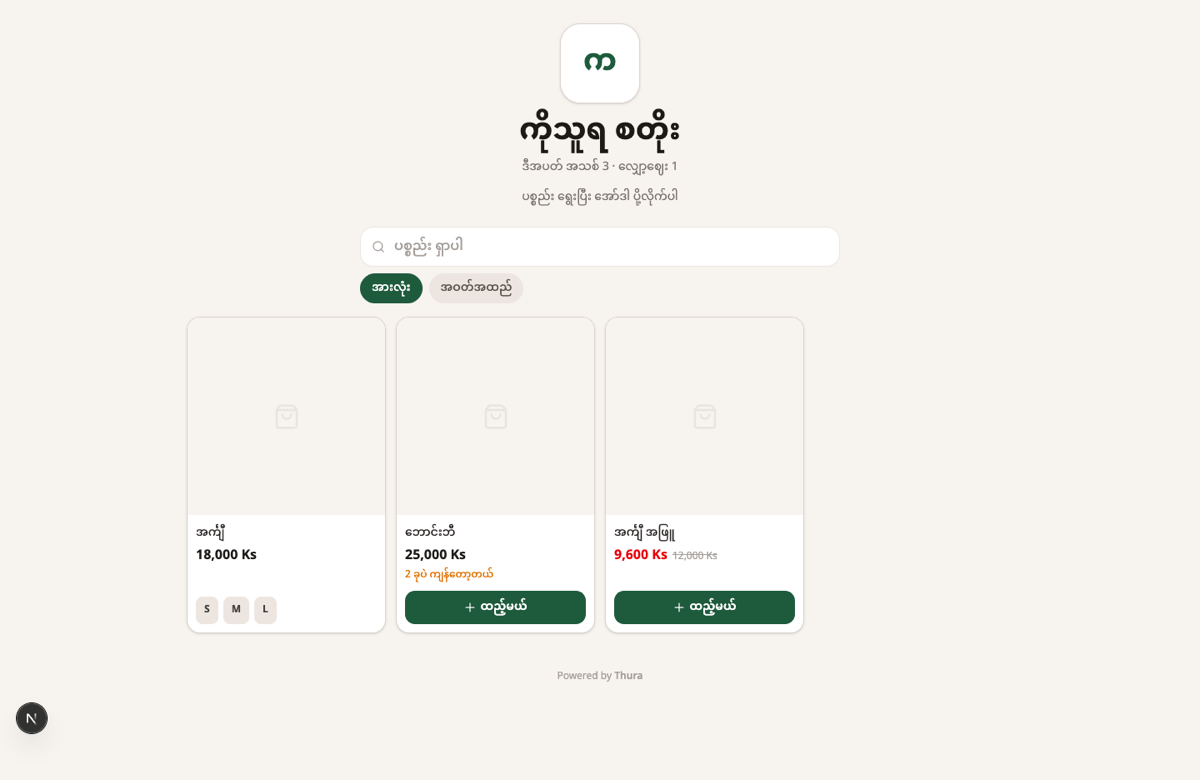
Your own shop link
Buyers browse your products and send you an order message in chat.
Pricing
Start free. Upgrade when you need more.
Free
0 Ks
Never expires
- 20 receipts a month
- Up to 20 customers
- Up to 10 products
- Your own shop link
- Share or download receipt images
Pro
30,000 Ks / 30 days · Myanmar
฿299 / 30 days · Thailand
- Unlimited receipts
- Unlimited customers
- Profit with purchase costs
- ·PRO mark on receipts and your shop link (not a verification)
Upgrading: pay in Ks with KBZPay, in ฿ with PromptPay. Transfer, upload the screenshot; once checked, Pro is on for 30 days.
Common questions
- How much is free?
- 20 receipts a month — the count restarts every calendar month (Myanmar time). 20 customers and 10 products are how many you can keep. The monthly reset does not delete your saved customers or products.
- What do I need to start?
- A Google account and your shop's name. Add a phone number and it appears on your receipts.
- How do I send a receipt?
- It comes out as an image. Share or download it and send it in any chat app.
- Is there an app to install?
- Use it in your browser. You can add it to your phone's home screen.
- Which languages?
- The app is in Burmese. This website is in Burmese and English.
- Where do I get help?
- Telegram @ko_thura_pro or email [email protected].
Start today
Sign in with Google, name your shop, and make your first receipt.